High Performance Dedicated
Rust
Servers
We utilize high-performance consumer-grade hardware to ensure
seamless,
low-latency, lag-free gameplay
Dedicated Server Resources - Simple RCON Panel - File Manager
Strategically positioned to serve half of the world's player base
How to Choose The Best Rust Server
An important aspect of running Rust is choosing the best server to host on
Let’s explore Rust and how its servers operate.
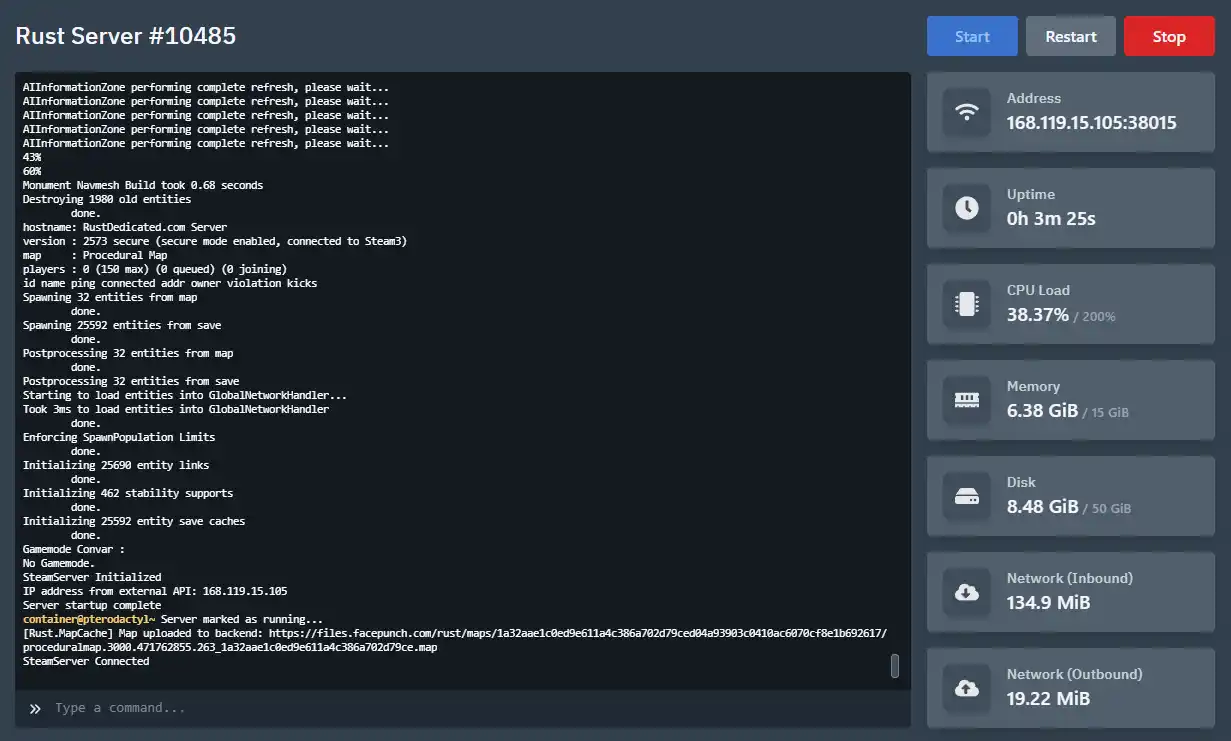
Dedicated CPURust is a single-threaded game, which means it only requires a CPU’s single thread to function. All entities, such as animals, NPCs, AI (including sharks), and, most importantly, player population, are processed by this single thread. For this reason, a Rust server must have a processor with a clock speed averaging above 4.20 GHz. A higher CPU frequency can increase the processor’s temperature, so excellent cooling is essential for optimal server performance.
Assigning multiple cores or threads to a Rust server is unnecessary. While generating a procedural map, the server requires additional CPU power to load the map. That’s why we allocate two threads per server—no more, no less. In cases where there is extra load on the primary thread, the second thread handles additional tasks, effectively reducing lag and rubber banding.
Dedicated RAM UsageServer RAM usage depends on factors such as map size, the number of entities, and player population. For a 2000-size map, the minimum RAM requirement is approximately 7GB to 8GB after server bootup. The maximum map size in Rust, 6000, requires at least 12GB of RAM after bootup. RAM usage tends to increase over time, which can be a challenge for server owners running monthly wipe servers. Therefore, it’s always recommended to opt for a server with ample RAM capacity. While DDR4 RAM is sufficient, upgrading to DDR5 can further enhance server performance.
NVME StorageHaving fast storage, such as M.2 Gen4 NVMe, can significantly improve server bootup times. During asset warmup, Rust requires quick access to files, which directly impacts the server's startup speed. On average, HDDs take 6–8 minutes to load assets, standard SSDs take 3–5 minutes, while M.2 NVMe storage reduces this time dramatically to just 20–40 seconds. Investing in high-speed storage is essential for optimal server performance and minimizing downtime.